Managing Amazon S3 Bucket Access Permissions — Boto 3 Docs 1.9.42 documentation
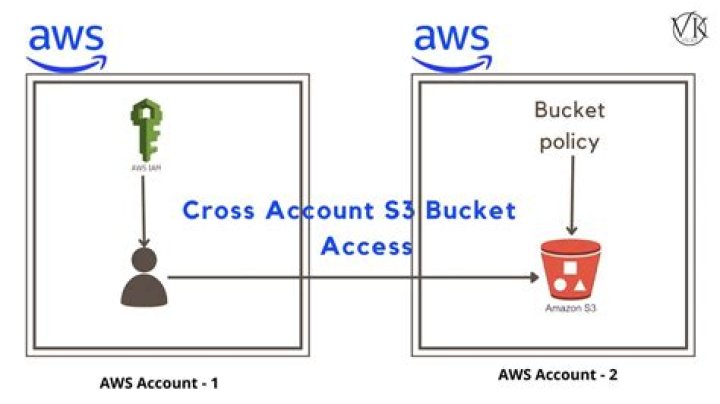
This Python example shows you how to get or set the access control list for an Amazon S3 bucket.
The Scenario
In this example, a Python code is used to display the bucket access control list (ACL) for a selected bucket. The code uses the AWS SDK for Python to manage Amazon S3 bucket access permissions using this method of the Amazon S3 client class:
For more information about access control lists for Amazon S3 buckets, seeManaging Access with ACLsin the Amazon Simple Storage Service Developer Guide.
All the example code for the Amazon Web Services (AWS) SDK for Python is available here on GitHub.
Prerequisite Tasks
To set up and run this example, you must first complete this task:
- Configure your AWS credentials, as described in Quickstart.
Get a Specified Bucket Access Control (ACL) List
Access control lists (ACLs) are one of the resource-based access policy option you can use to manage access to your buckets and objects. You can use ACLs to grant basic read/write permissions to other AWS accounts.
The example below shows how to:
Example
import boto3# Create an S3 clients3 = boto3.client('s3')# Call to S3 to retrieve the policy for the given bucketresult = s3.get_bucket_acl(Bucket='my-bucket')print(result)