Managing Visibility Timeout in Amazon SQS — Boto 3 Docs 1.9.42 documentation
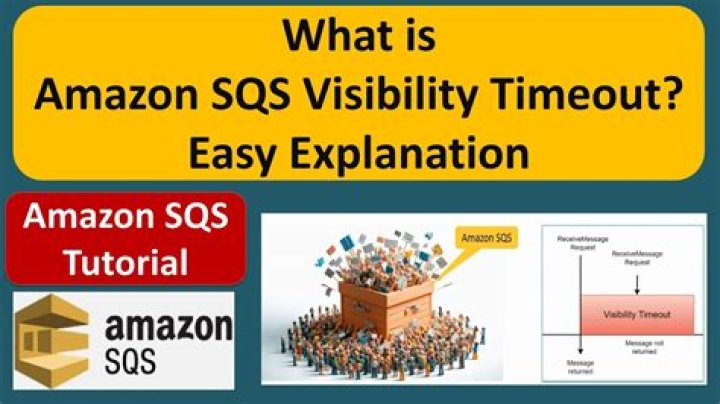
This Python example shows you how to specify the time interval during which messages received by a queue are not visible.
The Scenario
In this example, Python code is used to manage visibility timeout. The code uses the SDK for Python to manage visibility timeout by using this method of the AWS.SQS client class:
For more information about Amazon SQS visibility timeout, seeVisibility Timeoutin the Amazon Simple Queue Service Developer Guide.
All the example code for the Amazon Web Services (AWS) SDK for Python is available here on GitHub.
Prerequisite Tasks
To set up and run this example, you must first complete these tasks:
- Configure your AWS credentials, as described in Quickstart.
- Create an Amazon SQS queue. For an example of creating a queue, seeUsing Queues in Amazon SQS.
- Send a message to the queue. For an example of sending a message to a queue, seeSending and Receiving Messages in Amazon SQS.
Change the Visibility Timeout
The example below shows how to:
import boto3# Create SQS clientsqs = boto3.client('sqs')queue_url = 'SQS_QUEUE_URL'# Receive message from SQS queueresponse = sqs.receive_message( QueueUrl=queue_url, AttributeNames=[ 'SentTimestamp' ], MaxNumberOfMessages=1, MessageAttributeNames=[ 'All' ],)message = response['Messages'][0]receipt_handle = message['ReceiptHandle']# Change visibility timeout of message from queuesqs.change_message_visibility( QueueUrl=queue_url, ReceiptHandle=receipt_handle, VisibilityTimeout=36000)print('Received and changed visibility timeout of message: %s' % message)