Log in using the email address and password associated with your account. If you do not have an account, follow the prompts at the link to create one.
STEP 3
Quickly download, send, and/or sell tickets directly from AccountManager.
STEP 1
Your event(s) should appear upon login. Select the event you are looking for.
STEP 2
Your ticket information will appear. Swipe right to view additional tickets. Select View Barcode.
STEP 3
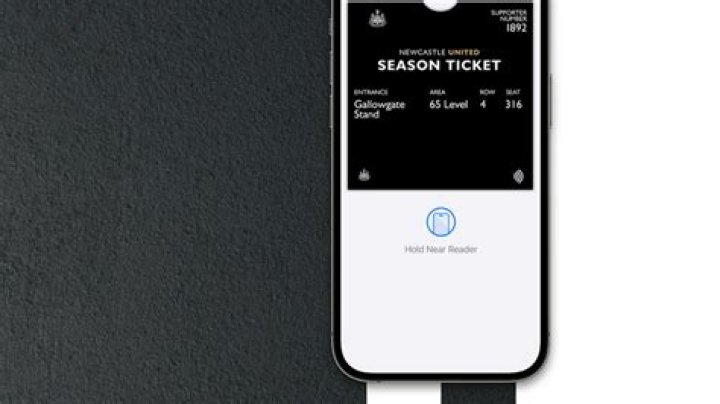
Your QR code (mobile barcode) should appear. Select Add to Apple Wallet, Add to Passbook, Save to Phone, take a screenshot, etc. to download to your phone.
STEP 1
Your event(s) should appear upon login. Select the event you are looking for.
STEP 2
Your ticket information will appear. Select send.
STEP 3
Select the seat(s) you would like to send and then select send.
STEP 4
Enter the information of the ticket recipient and an optional message. Select send.